
Choose smart lighting by what you want the room to do. Keeping existing recessed lights and adding dimming is a different project from changing the color of individual lamps or controlling several rooms from a keypad. The right comparison starts with fixtures, wiring, wall controls and everyday use, then considers the app and brand.
Compare the kind of control you need
| Your goal | Approach to evaluate | What to confirm first |
|---|---|---|
| Keep compatible conventional lights and improve wall control | A listed smart switch or dimmer, such as an appropriate Caseta model | Load type, dimming compatibility, wiring and additional switch locations |
| Change the color or white tone of individual lights | Compatible smart lamps or fixtures, such as selected Hue products | Desired light features, power availability and a usable wall-control plan |
| Coordinate many rooms with keypads and scenes | A designed lighting-control system, such as RadioRA 3 where suitable | Device schedule, coverage, programming and support responsibilities |
| Add one or two app-controlled circuits | A suitable stand-alone or hub-connected smart control | Exact model requirements, platform support and behavior without internet |
This is a starting framework, not a ranking of brands. A home can use different approaches for different rooms if the controls remain understandable and the equipment is compatible. Avoid buying a house full of devices before testing the intended light-and-control combination.
Caseta: choose the device, not a blanket wiring rule
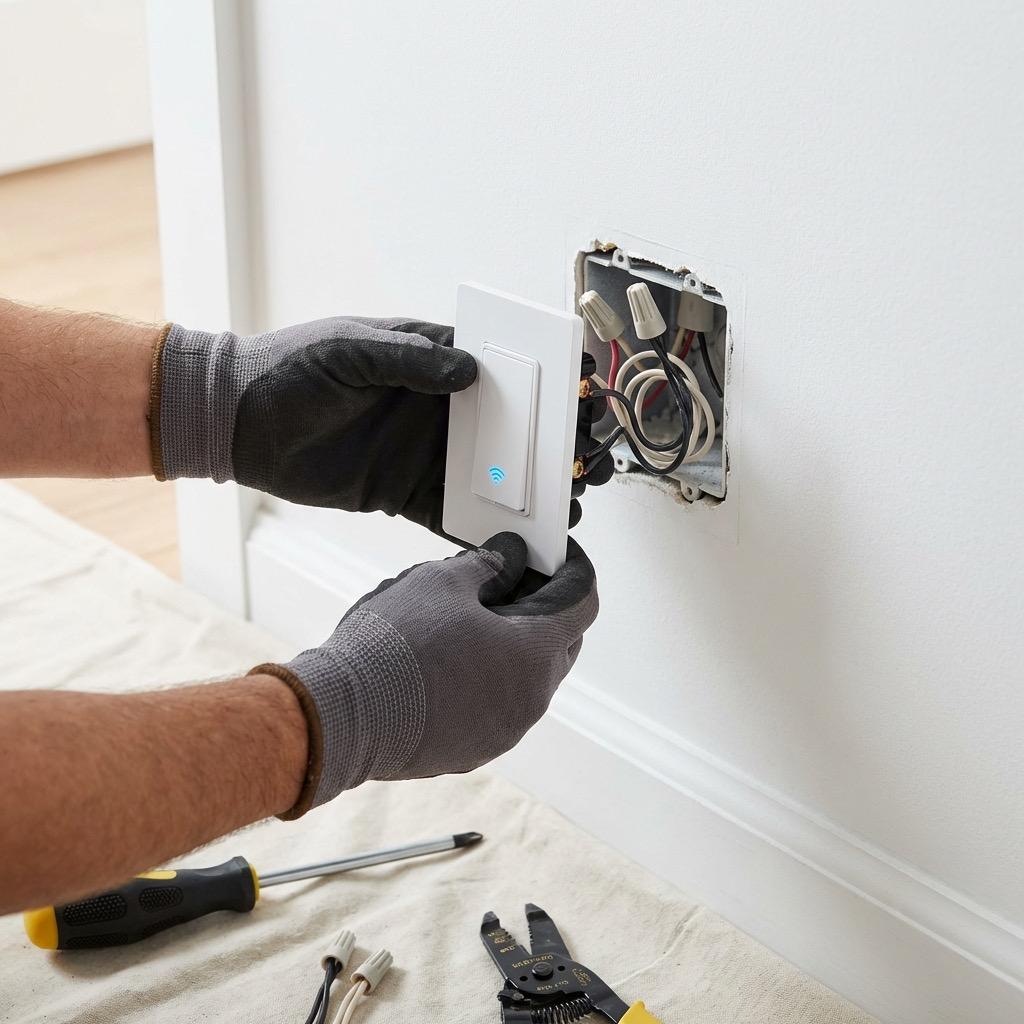
Caseta includes different control types and styles. Lutron lists its Diva smart dimmer as not requiring a neutral connection, while the Claro smart switch does require one. Both have paddle-style controls. “Caseta needs no neutral” and “Caseta only has small buttons” are therefore unreliable descriptions of the whole product line.
Request an Estimate from AJ Long Electric
Whether it is a simple repair or a major electrical project, our licensed team is ready to help. Serving all of Northern Virginia with transparent pricing and expert workmanship. Call (571) 444-6886 today.
Neutral requirements come from the exact device design, not simply whether it communicates by Wi-Fi or another radio protocol. The electrician also needs to verify the controlled load, suitable dimming method, wall-box conditions and multi-location arrangement. A no-neutral dimmer is not automatically appropriate for every LED driver, fan or appliance.
For app and system features, identify the hub and accessories required for the specific arrangement. Ask which functions remain available at the wall, which need the hub and which depend on an external service. A useful installation is one the household can operate without guessing which app contains the light.
RadioRA 3: plan the system and its support
Lutron's residential system comparison distinguishes Caseta, RadioRA 3 and HomeWorks. RadioRA 3 offers a larger system approach with keypads and requires qualified programming. System-specific hubs or processors, device rules and supported equipment matter; features from one Lutron platform should not be assumed available on another.
Before choosing a larger system, write down the rooms, loads, control locations and scenes you actually want. Identify who will design, program and support it and how later changes will be handled. Confirm who will provide programming and any specialist work in the proposal.
Hue: plan wall controls as carefully as the lights
Smart lamps and fixtures can offer capabilities that an ordinary dimmer does not, but the exact product determines color, white-tone and other features. If someone cuts power at a conventional wall switch, a smart light cannot remain available in the same way as a continuously powered device.
Philips Hue's wall-control guidance explains options intended to control compatible smart lights while maintaining their power. Select the exact locally available, listed product and follow its requirements. A conventional dimmer and a smart bulb should not be combined without explicit compatibility. Hub, accessory and fixture capabilities also vary by model; an old single-number device limit is not a dependable description of every current setup.
Consider a practical use case: a reading lamp may need a simple physical button and comfortable white light, while accent lighting may benefit from color scenes. The choice should fit that use rather than require every light in the house to use the same technology.
Ask better questions about connectivity
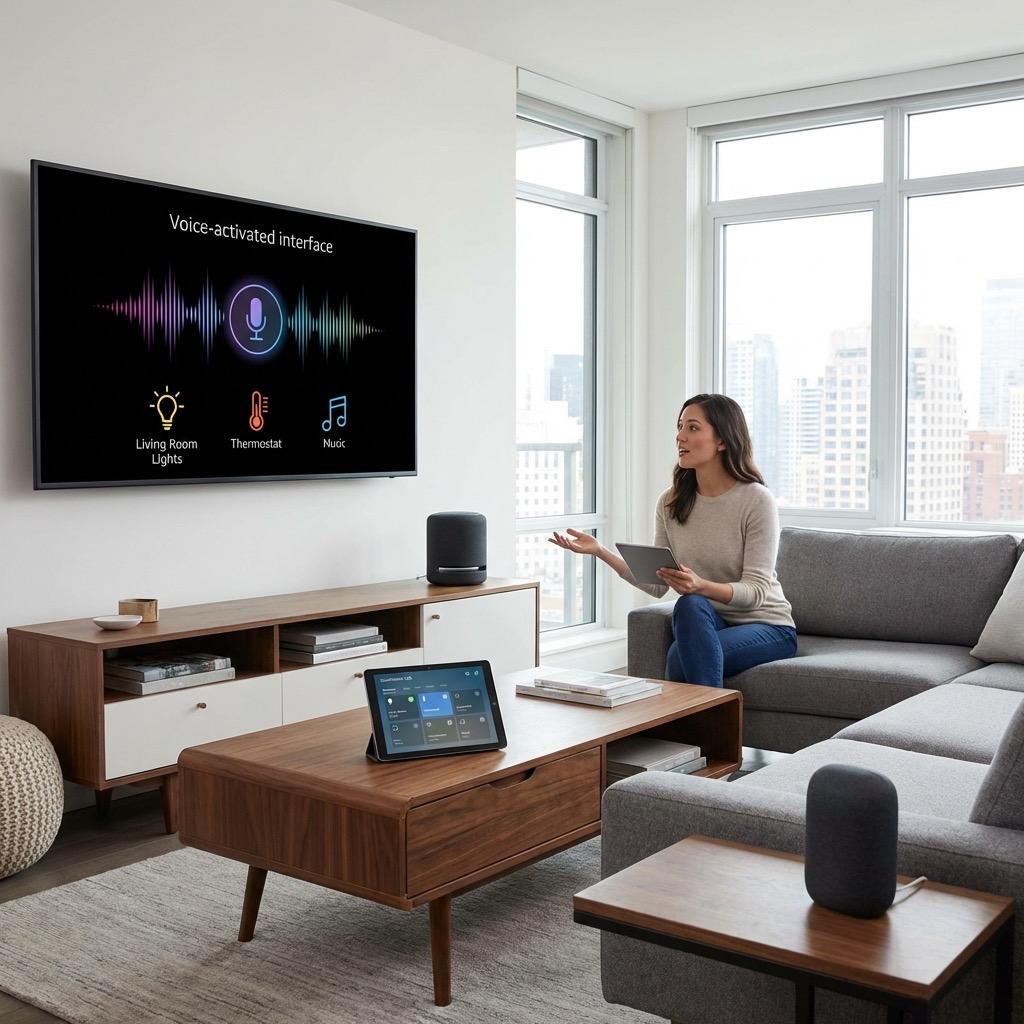
Separate physical light control, local automation, phone control away from home and voice-assistant integration. These are different functions with potentially different dependencies. Ask what happens if the internet is unavailable, the router restarts, the hub loses power or a cloud account changes. Do not accept “works offline” without specifying which function is meant.
For Wi-Fi, Zigbee, Z-Wave, Thread or Matter products, use the exact model's current compatibility documentation. A protocol name does not establish every feature, controller requirement or integration. Nor does a fixed count such as twenty switches prove that a home's network will fail. Coverage and configuration need evaluation in the actual property.
Prepare a room-by-room lighting schedule
- Room and activity: reading, cooking, watching television, circulation or outdoor use.
- Existing lights: fixture or lamp models where known, and whether they already dim properly.
- Control locations: every switch that currently operates the lights and any additional location wanted.
- Desired behavior: simple dimming, schedules, motion response, scenes or color changes.
- Existing system: hub and platform names, without passwords or account-security information.
- Access and finishes: available ceiling access, retained finishes and association rules where relevant.
Photographs of the room and intact wall controls are enough to begin. Leave wallplates and electrical covers in place; the electrician can verify the wiring. Start with a representative room and confirm the brightness range, flicker behavior and wall-control experience before expanding the plan.
Compare complete proposals and handoff
A fair comparison includes devices, hubs, compatible lamps where needed, installation, programming, any new wiring and finish restoration. Ask what support is included and which later changes cost extra. A per-switch retail price cannot establish that one complete system costs half as much as another.
At handoff, request a device list, clear room names and instructions for normal operation. Confirm who controls the account and how household members receive access. Keep account credentials private. Test the agreed controls and scenes, and record what was included so future additions can use the same documented plan.
Estimates are free for every service. Scheduled estimate visits and written project prices are free. Diagnostic and repair work is a separately priced service. Send your room list through our smart-home electrical service page or project request form. For flickering or an existing control fault, describe the symptom so we can distinguish a repair request from a new installation.