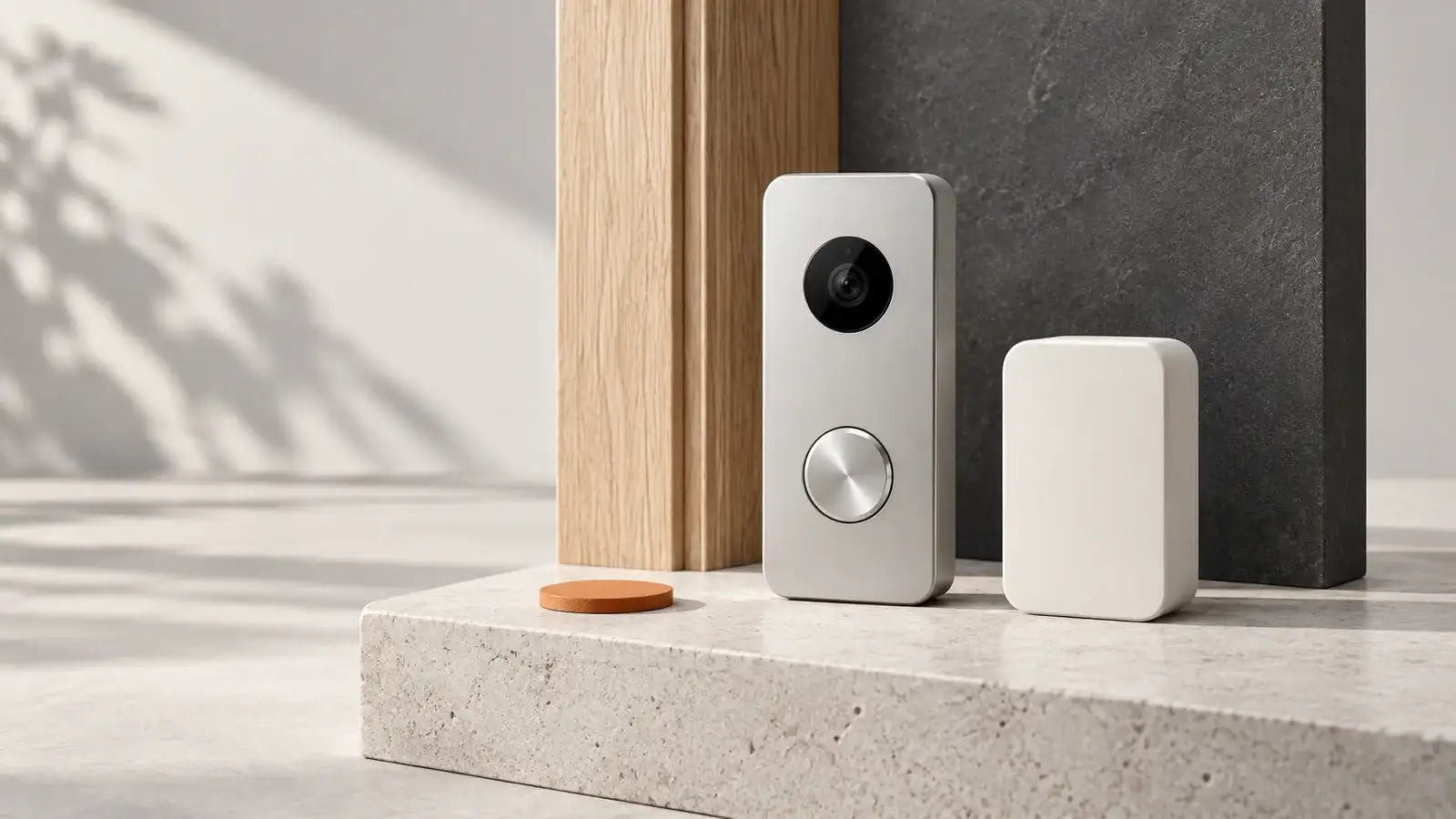

The right power supply depends on the exact doorbell, not just the brand on the box. Before buying a transformer or booking an installation, identify the model and generation, decide whether you want to keep the existing indoor chime, and check what wiring is already present. A larger transformer is not a universal fix for an offline camera or a doorbell that will not ring.
Start with the model, voltage and power rating
Doorbell specifications commonly list both VAC and VA. VAC describes alternating-current voltage; VA describes the transformer's apparent-power rating. They are different measurements. Both must suit the equipment and the intended configuration. A label with one suitable number does not establish that the whole system is compatible.
The examples below reflect the manufacturers' U.S./North American guidance checked October 11, 2026. They concern connection to an existing AC doorbell system. They are not instructions for choosing an arbitrary power adapter or for wiring a transformer.
| Exact model or group | AC transformer range | Check separately |
|---|---|---|
| Ring Video Doorbell Wired | 10–24 VAC; 8–40 VA; 50/60 Hz | The model's chime arrangement and approved accessories |
| Google Nest Doorbell, wired 2nd or 3rd generation | 16–24 VAC; 10–40 VA; 50/60 Hz | Required chime connector and the existing system |
| Google Nest Doorbell, battery model connected to wiring | 8–24 VAC; 10–40 VA; 50/60 Hz | Battery charging limits and chime compatibility |
Use the current Ring hardwiring guide and Google Nest compatibility guide for your exact product. Ring names and product generations have changed, so an older article about a “Pro” model may describe different equipment. Power-over-Ethernet products and manufacturer-approved plug-in supplies need their own instructions.
Check the chime as part of the system
Tell the installer how you want to hear the doorbell: the existing indoor chime, a compatible accessory, app notifications or another supported device. A camera receiving power does not prove that the old chime will work. Mechanical, digital and battery-only chimes are different starting points.
Request an Estimate from AJ Long Electric
Whether it is a simple repair or a major electrical project, our licensed team is ready to help. Serving all of Northern Virginia with transparent pricing and expert workmanship. Call (571) 444-6886 today.
Google specifies a supplied chime connector for its wired Nest models; the battery model has a different arrangement. Ring publishes model-specific chime and accessory guidance. Do not reuse an old connector, add a resistor or bypass a chime simply because a diagram for a different generation shows it. The complete combination needs verification.
Wired and battery-powered are not the same decision
A battery doorbell may be useful where a new cable route is impractical or a landlord does not permit permanent wiring changes. A wired installation may suit an existing compatible system. Consider access for charging, the mounting location, the indoor alert you want and the manufacturer's supported features before choosing.
Connecting a battery model to wires does not turn it into a different wired model. Google explains that wiring the Nest Doorbell battery model gradually charges its battery, with limitations. Its battery does not charge below 32°F, so cold weather can still require indoor charging. Do not promise a fixed winter charging interval for every home.
Recording options, subscriptions, network requirements and temperature limits belong to the exact product. Hardwiring alone does not establish continuous recording or guarantee that the camera will remain online during a power or internet outage. Confirm those features with the manufacturer rather than treating them as electrical installation benefits.
Describe the symptom before replacing parts
For an existing doorbell, note whether it never worked, recently stopped, restarts, misses the indoor chime or only loses its network connection. Record any app message and whether the symptom follows weather, motion activity or another change. Do not include account passwords or security codes in a service request.
The evaluation may need to distinguish power delivery, wire condition, the chime arrangement, network coverage and device configuration. A transformer with an appropriate label can still be part of a system needing further investigation. Likewise, an app's connection error does not establish that the transformer is defective. Testing should guide the repair instead of increasing voltage to compensate for an unexplained problem.
What you can prepare safely
- Product: exact model, generation and installation manual, or a link to the product you are considering.
- Existing setup: whether the current button and indoor chime work, and whether there are multiple doors or chimes.
- Location: a wide photograph of the doorway and the proposed mounting surface.
- Power information: an already visible transformer label, only if it can be photographed safely without opening equipment or touching wiring.
- Property rules: landlord, association or building-manager requirements for an exterior device or cable route.
- Desired result: which indoor alert you want and whether the request is a new installation or a fault diagnosis.
Leave electrical covers in place. Do not enter restricted or unsafe spaces to find a transformer, and do not probe wires for an estimate. A doorbell transformer's supply side involves household line voltage. A qualified electrician can locate the supply, evaluate the installation and determine whether replacement or new wiring is appropriate.
Define the installation and handoff
The proposal should identify the device you supply, any transformer or chime work, the cable route, mounting details and responsibility for finish repairs. New wiring through a finished entry may involve a different scope from replacing a device on an existing compatible system. If the building has an intercom or access-control system, flag that before assuming its wiring can be reused.
At handoff, confirm the agreed button, chime and notification functions and keep the model information with the installation records. Complete account sign-in yourself; do not send passwords to the installer. App subscriptions and manufacturer equipment coverage are separate from the electrical work.
Estimates are free for every service. Scheduled estimate visits and written project prices are free. Diagnostic and repair work is a separately priced service. For a new installation, describe the project through our smart-home electrical service page or request form. For an existing fault, see diagnostic and repair pricing examples.